Future Knight Controls & Platforms
Keybinds, controller layouts, and where to buy.
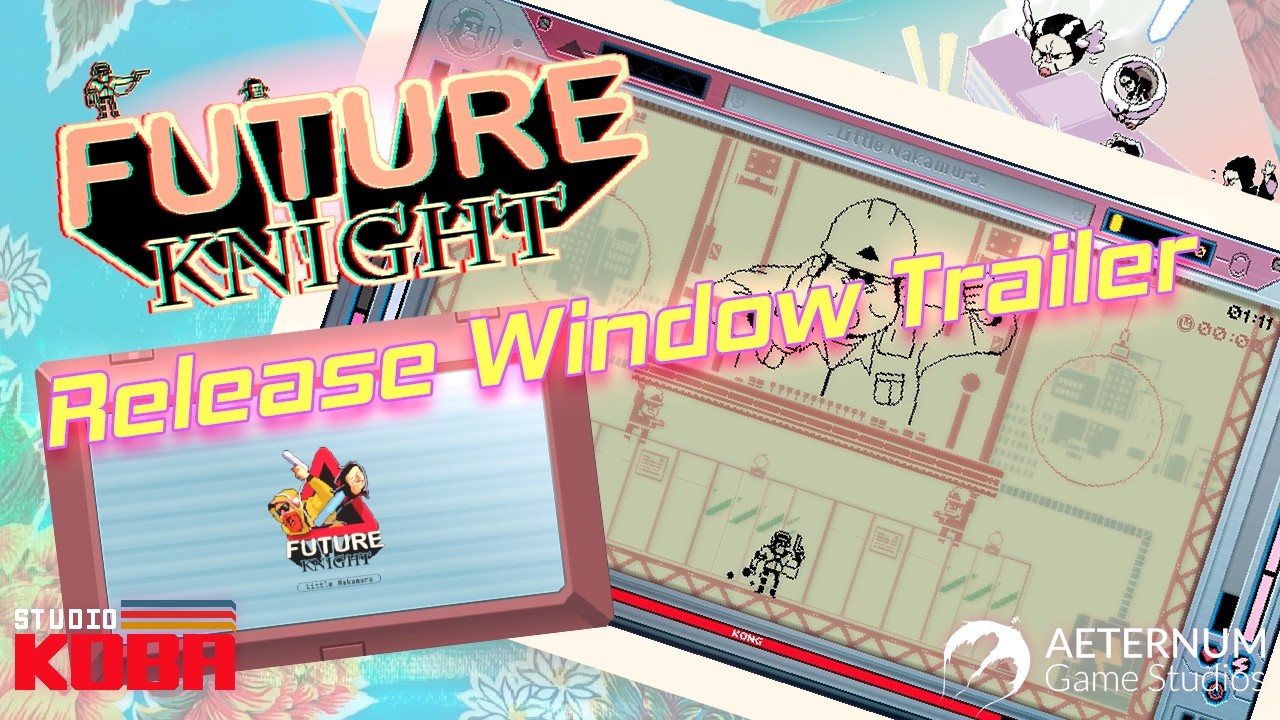
This hub collects every control and platform resource for Future Knight, the neo-retro shoot ‘em up from Studio Koba and Aeternum Game Studios. Whether you are playing the Steam demo on keyboard or planning a Switch handheld session at launch, start here before diving into combat guides.
What you will find
- Controls — default PC keybinds, gamepad button maps, and rebinding notes for the demo and full release.
- Platform Comparison — Steam vs Nintendo Switch vs PlayStation 5 vs Xbox Series X|S: price, performance, and portability trade-offs at the $14.99 MSRP.
Why controls matter in Future Knight
Future Knight is built around instant character switching between the robot hero and his companion Two More. Responsive inputs are not optional — they are the core skill expression. A half-second delay on swap can mean eating a boss pattern you otherwise had mapped. That is why we document defaults early and link to the dual-character combat guide for muscle-memory drills.
Related resources
Before configuring inputs, read the Getting Started guide for demo installation. Pair this hub with System Requirements if you are building or upgrading a PC. For narrative context on who you are controlling, see Story & Characters.
Input device shopping
If buying a new controller for launch, prioritize responsive shoulder buttons and durable D-pad for 2D aim. Arcade sticks work for some players but swap placement on face buttons may feel cramped — test in demo before tournament-style purchases.
Launch reminder
Future Knight releases August 13, 2026 on all major platforms. Controls may receive minor patches near launch — bookmark the Updates hub and Launch Day Guide for day-one notes.
Steam Deck and handheld PC
Deck players should map swap to rear paddles if possible — front-heavy layouts cramp thumbs during long sessions. Verify Proton compatibility notes in Updates launch week if input lag differs from desktop Windows builds.
Frequently Asked Questions
Quick answers to the most common questions.
Does Future Knight support full controller remapping?
The Steam demo supports standard gamepad layouts with limited rebinding. Check the Controls page for the latest confirmed options per platform.
Which platform has the best controls for a shoot 'em up?
PC keyboard and mouse offer the fastest swap inputs for many players, but a good pad works well on console. See Platform Comparison for details.
Are controls the same in the demo and full game?
Core bindings match the demo. Launch patches may add options — we update the Controls page when official notes drop.
Where do I learn combat beyond button layouts?
Read Dual Character Combat and Boss Guide under the Guides hub for synergy mechanics and pattern answers.