Future Knight Future Board Guide
Ride the skies and master aerial combat sections.
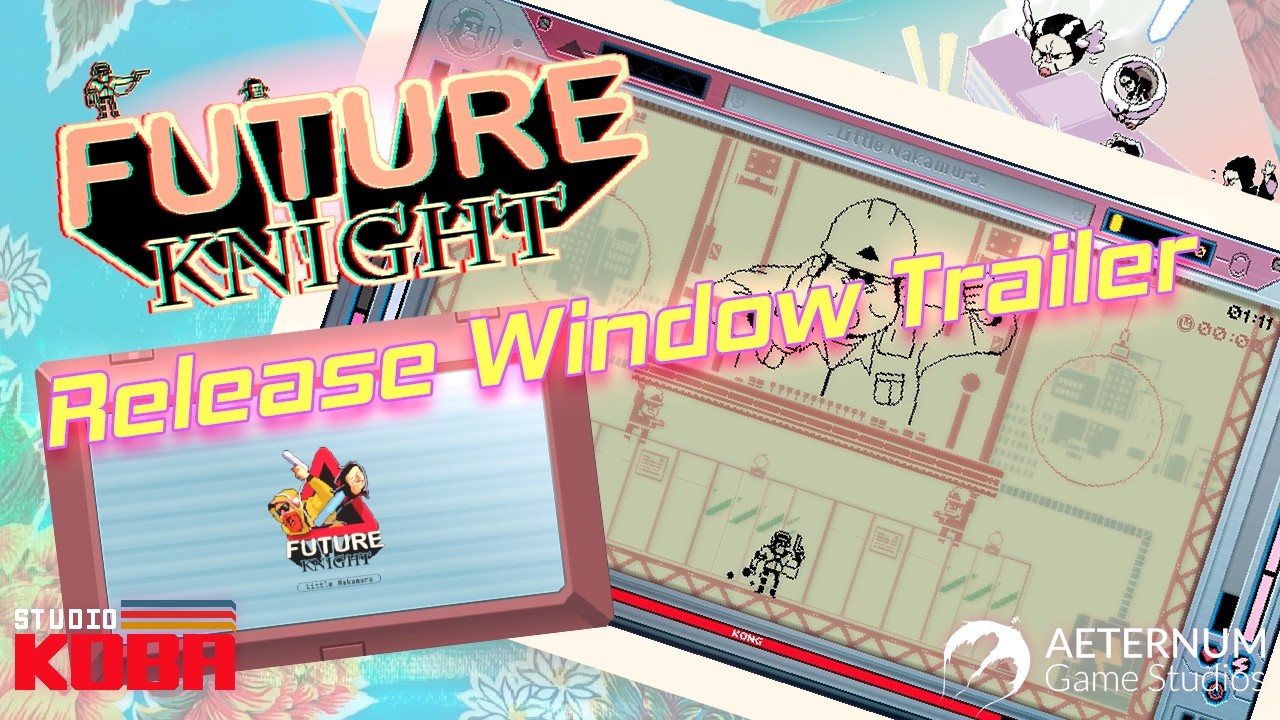
The Future Board is Future Knight’s signature mobility toy —a sky-riding platform that lets the robot hero traverse aerial sections while Two More handles gaps the board cannot reach. Steam marketing promises you will “ride the skies on your Future Board” while mastering chaos in retro-futuristic Tokyo. This guide explains when the board appears, how aerial combat differs from ground stages, and how to integrate board segments into your dual-character rotation.
What the Future Board does
Official feature lists position the Future Board as traversal and combat hybrid:
- Horizontal air lanes above ground biomes —skyline transitions between construction and urban set pieces.
- Vertical chase segments where falling equals failure —board momentum matters more than ground rolls.
- Spectacle set dressing reinforcing LCD Game & Watch fantasy —do not treat it as a cosmetic emote.
Exact unlock timing is tutorial-gated in the full game; demo players may see limited air sections. After launch we note first appearance biome in Biomes Walkthrough.
Controls and execution
Board control inherits your movement bindings —see Controls for PC and gamepad defaults. Tips:
- Pre-swap before mounting —enter air segments with full Two More energy if upcoming tight platforms require immediate dash off-board.
- Do not fire stationary —moving targets and scrolling backgrounds punish standing shots; strafe like a classic shmup.
- Land with intent —dismount transitions often trigger enemy waves; be in Future Knight form if range is needed on touchdown.
Dual-character synergy in the air
Two More cannot ride the board in official descriptions —synergy happens through handoffs:
- Board as Knight for air gunnery.
- Bail to Two More for narrow ledges, wall climbs, or collecting floating sectarian triangles.
- Swap back to recharge dash stock while regaining board access at checkpoints.
This loop mirrors ground combat but compresses decision time. Practice in Dual Character Combat before hard air biomes.
Hazard table (air segments)
| Hazard | Response |
|---|---|
| Homing projectiles | Maintain lateral speed; do not reverse blindly |
| Wind gusts | Micro-adjust; overcorrecting drops you off-board |
| Falling debris | Read shadow telegraphs on board surface |
| Enemy drones | Knight blaster priority; do not dash off for melee unless safe |
Boss fights with aerial phases
Several bosses likely combine ground and sky arenas —preview trailers show vertical scale. When phases shift:
- Reset mental map —safe zones move, not just patterns.
- Lead with mobility form during vertical chase; Knight during stationary weak points.
- Cross-read Boss Guide phase framework.
Related content
- Abilities Overview —ranks Techno Blaster air value
- Platform Comparison —Switch handheld visibility in vertical scroll
- Review —player impressions of board sections vs ground
Future Board mastery separates stylish clears from scraped survival. Treat air levels as shmup exams, not intermissions.
Practice progression
Replay early demo air teasers after mastering ground swap basics. If board segments feel impossible, return to Dual Character Combat sustain drills —often the issue is empty Two More energy at mount time, not board handling itself.
Camera and motion sickness
Fast vertical scroll on the Future Board can disorient players sensitive to motion. Reduce screen shake if the options menu offers it post-launch, and take breaks between air-heavy biomes. Playing on a larger monitor at moderate distance often helps more than reducing game difficulty.
Frequently Asked Questions
Quick answers to the most common questions.
Is the Future Board optional?
Core campaign includes required air sections —not a cosmetic-only feature.
Can Two More ride the board?
Marketing emphasizes Knight riding; Two More handles off-board agility.
Does the demo include Future Board?
Steam description highlights it —demo may include a teaser section; full game expands usage.
Which guide pairs with air combat?
Boss Guide for phase shifts; Controls for binding comfort during fast scroll.