Future Knight System Requirements
Minimum and recommended PC specs for the Steam release.
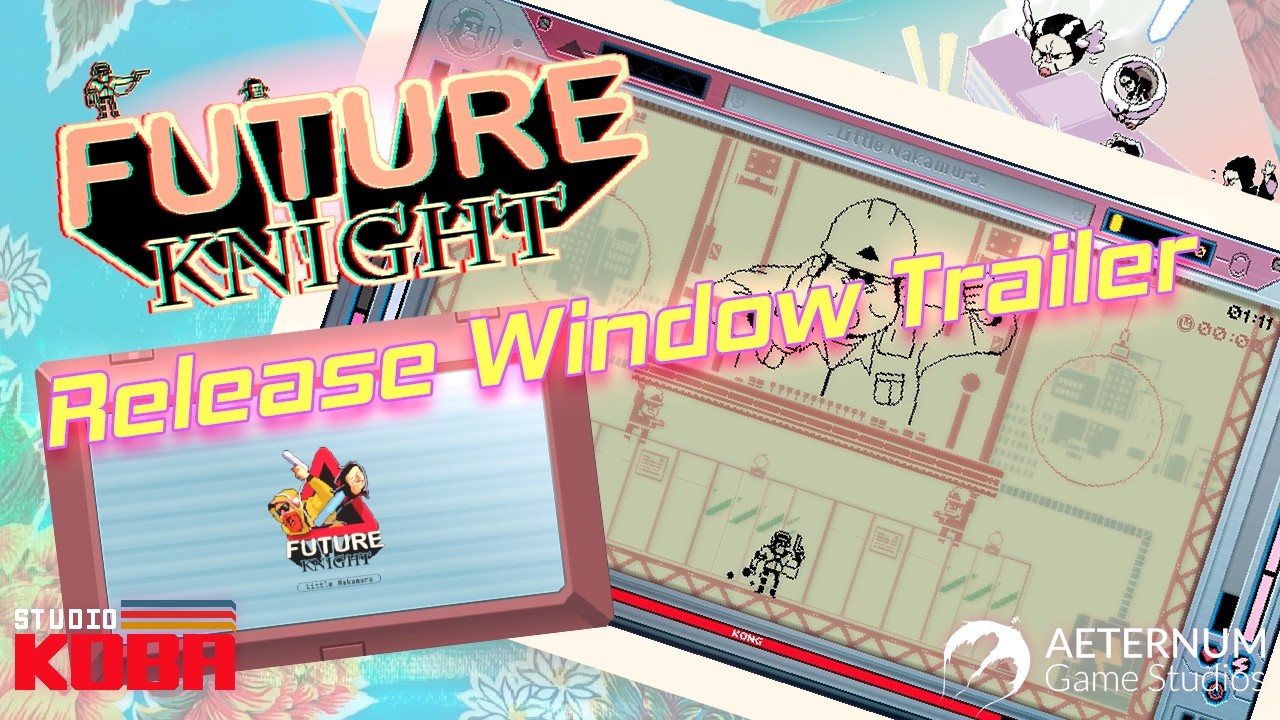
Future Knight is a 2D shoot ‘em up with dense projectiles and instant character swaps —input latency hurts more than raw GPU horsepower. Before blaming boss difficulty, confirm your PC meets the Steam system requirements and that you are not thermal throttling on a laptop. This page lists official minimum and recommended specs plus practical tuning tips for the demo and full release.
Minimum requirements (PC)
Based on Steam store listings for the demo/full package:
| Component | Minimum spec |
|---|---|
| OS | Windows 10 (64-bit) |
| CPU | Intel Core i5-7400 or AMD Ryzen 3 3200G |
| RAM | 8 GB |
| GPU | NVIDIA GTX 750 or AMD Radeon HD 7770 |
| Storage | ~2 GB available space |
| DirectX | Version 11 |
These targets assume 1080p with modest settings —adequate for learning mechanics in the demo.
Recommended requirements (PC)
| Component | Recommended spec |
|---|---|
| OS | Windows 10/11 (64-bit) |
| CPU | Intel Core i7-7700 or AMD Ryzen 7 1700X |
| RAM | 16 GB |
| GPU | NVIDIA GTX 1070 or AMD Radeon RX Vega 56 |
| Storage | SSD with ~2 GB free |
| DirectX | Version 11 |
Recommended hardware maintains stable frame times during bullet-heavy boss phases —critical for Boss Guide execution.
Console requirements
Switch, PS5, and Xbox Series versions do not publish granular PC-style specs. Instead note:
- Switch download ~1.465 GB per eShop.
- Play modes —TV, tabletop, handheld on Switch.
- ESRB Mature (17+) across platforms.
Compare portable vs docked experience in Platform Comparison.
Performance troubleshooting
If swaps feel sluggish:
- Cap background apps —Future Knight needs consistent frame pacing.
- Use fullscreen exclusive or borderless with focus —avoid streaming overlays during learning.
- Update GPU drivers —indie games still benefit on Windows.
- Lower resolution before blaming hitboxes —720p stable beats 4K stutter.
- Verify controller polling rate in Controls.
Mac and Linux
Steam listing at preview focuses on Windows PC. Proton compatibility may work on Steam Deck —community reports post-launch will be linked from Updates. No native macOS announcement.
Related pages
- Release Date & Platforms —buy on the right store
- Getting Started —after specs check passes
- Platform Comparison —PC vs Switch performance expectations
Meeting minimum specs gets you in; meeting recommended specs gets you fair boss attempts. Optimize before grind.
Laptop-specific notes
Many gaming laptops throttle on battery power. Plug in before boss practice and select High Performance power plans on Windows. Thermal throttling often masquerades as input lag —if swaps feel fine in menus but sluggish in bullet hell, check temperatures before tweaking Controls.
Storage and SSD benefit
Future Knight is small (~2 GB) but loading between biomes feels snappier on SSDs. HDD users on older PCs may see longer reloads after death — factor that into retry-heavy boss practice where rapid restarts matter psychologically.
Ultrawide and multi-monitor
Stick to 16:9 for your primary display — unsupported ultrawide may clip vertical telegraphs during hybrid scroll biomes described in Biomes Walkthrough.
Integrated graphics reality check
Minimum GPU targets assume discrete or strong integrated chips from the GTX 750 era — modern Intel Iris may work at 720p with settings lowered. Test the demo before assuming minimum spec equals playable 1080p60.
Frequently Asked Questions
Quick answers to the most common questions.
Can Future Knight run on Steam Deck?
Likely via Steam OS —verify Proton reports after launch in Updates.
How much RAM do I need?
8 GB minimum, 16 GB recommended for smooth background headroom.
Does Future Knight support ultrawide?
No official ultrawide marketing —16:9 is the safe assumption at launch.
Will specs change after launch?
Patch notes may adjust —we sync this page when Steam updates requirements.