Future Knight Demo & Wishlist
Try before you buy — free Steam demo walkthrough.
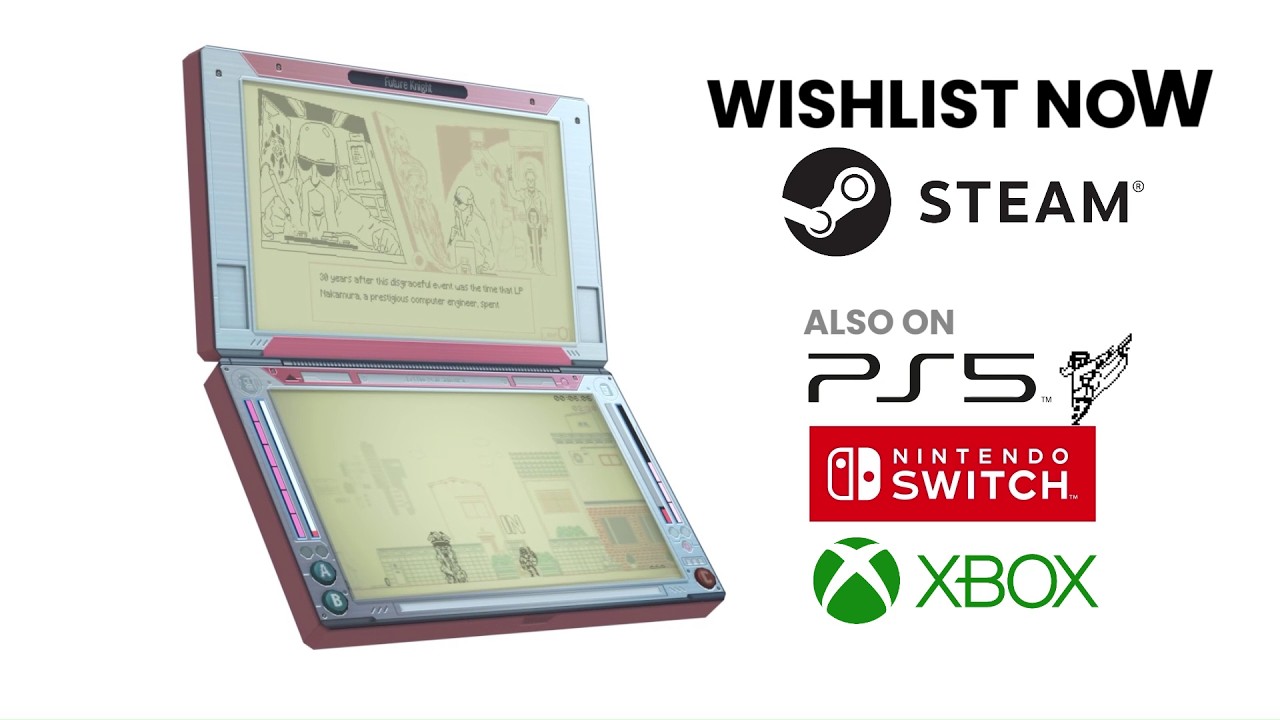
You do not need to wait until August 13, 2026 to experience Future Knight’s swap combat and LCD aesthetic. A free Steam demo is available on the official store page, built specifically to test boss encounter loops and input responsiveness before launch. This guide explains how to download the demo, why wishlisting matters for indie visibility, and what content to expect versus the full eight-biome campaign.
How to download the demo
- Visit the Future Knight Steam page.
- Scroll to Download Demo (separate from purchase button).
- Install to a library with ~1.5 GB free space.
- Launch and complete basic movement before first boss — follow Getting Started for structured learning.
Console players without Steam should plan around full release on Release Date & Platforms —demo is PC-first at preview time.
Why wishlist if you are unsure
Wishlisting on Steam:
- Signals interest to algorithms and publishers —helps indie titles like Future Knight stay visible.
- Sends release notifications so you do not miss launch-day patches covered in Launch Day Guide.
- Costs nothing while you use the demo as extended trial.
Also wishlist on Switch eShop or PlayStation if that is your intended buy platform —each store tracks separately.
What the demo includes
Verified marketing goals:
- Boss encounter loops —learn pattern density before spending $14.99.
- Dual-character swapping —full synergy tutorial implicit in gameplay.
- LCD visual showcase —representative art direction, not downgraded assets.
The demo does not include all eight biomes —treat it as skill sampler, not story complete. Full hour structure lives in Biomes Walkthrough.
Pre-launch checklist
Before demo session:
- Verify System Requirements on PC.
- Configure Controls —comfortable swap button essential.
- Read Story & Characters for tone expectations (M-rated humor).
After demo session:
- Decide platform via Platform Comparison.
- Read Review summaries if difficulty felt harsh.
- Bookmark Updates for launch patches.
Demo progress carryover
Unless officially confirmed, assume demo saves do not transfer to full game —standard for promotional demos. Use demo time for mechanical learning, not item hoarding.
Related links
- Official Links —developer social channels for demo patch notes
- Boss Guide —when demo difficulty spikes
- Abilities Overview —understand your toolkit
The demo is Future Knight’s best argument for purchase —weird, hard, and unlike anything else in the 2026 indie lineup. Wishlist if it clicks; walk away guilt-free if swap chaos is not your genre.
Streaming and content creation
M-rated humor and gross-out boss designs may trigger platform content filters. Preview a boss encounter on your channel’s VOD policy before launch-day streams. The LCD aesthetic reads well on capture at 1080p60 —prioritize stable frame rate over max graphics when OBS is running.
Family sharing and secondary accounts
Steam family sharing may or may not support demo access depending on Valve policy at launch — purchase on the account that will earn achievements if you care about platform meta. Console secondary profiles follow Sony, Microsoft, and Nintendo household rules separately from PC demo availability.
Demo update notifications
Enable Steam auto-update for the demo so boss pattern tweaks reach you before launch — Aeternum may rebalance energy recovery during the pre-release window. Re-read Dual Character Combat after any demo patch notes appear in Updates.
Controller recommendation for demo
Any responsive pad works — prioritize a device with crisp shoulder buttons for swap. Built-in laptop keyboards are viable for the demo but may fatigue wrists during extended boss practice sessions.
Frequently Asked Questions
Quick answers to the most common questions.
Is the Future Knight demo free?
Yes on Steam —no purchase required.
Does wishlisting cost money?
No —wishlist is free and reversible.
Is there a Switch demo?
Not announced at preview time —Steam demo is the primary try-before-buy option.
How long to beat the demo?
Varies by skill —focus on boss learning, not speedrunning length.